Choosing the right margin input for your online store
You do not need SKU-level wholesale cost exported on Day 1 to start your Karsa.ai 30-day free trial. You can begin with Conversion Value or Global Margin % and upgrade to SKU-level COGS whenever ready.
| Mode in Karsa.ai Portal | Required Fields / Format | Example Value | Update Cadence |
|---|---|---|---|
| 1. Conversion Value | None (uses Google Ads conv_value) |
— | Nightly via Google Ads read-only sync |
| 2. Global Margin % | Single numeric percentage (1–95%) |
38.0% |
Saved directly in Portal Settings |
| 3. XML Feed Margin (COGS) | Standard <g:cost_of_goods_sold> and <g:price> matched on <g:id> |
42.50 EUR |
Nightly feed fetch |
| 4. Individual SKU Margins (CSV) | Uploaded UTF-8 CSV/TSV/TXT file (id;margin %, validated before import, Replace or Merge) or manual entry |
SKU-10482;36.5 |
Updated on file upload or edit |
| 5. Profit from Google Ads | Google Ads Cart Data gross profit columns | Official Google Ads metric | Nightly via Google Ads read-only sync |
Exact break-even ROAS math inside Karsa.ai
For any product SKU with ex-VAT selling price Price and ex-VAT cost of goods sold COGS (plus optional variable fulfillment/payment cost):
- Unit Gross Margin:
Margin = (Price − COGS) / Price - SKU Break-Even ROAS:
Break_Even_ROAS = 1 / Margin
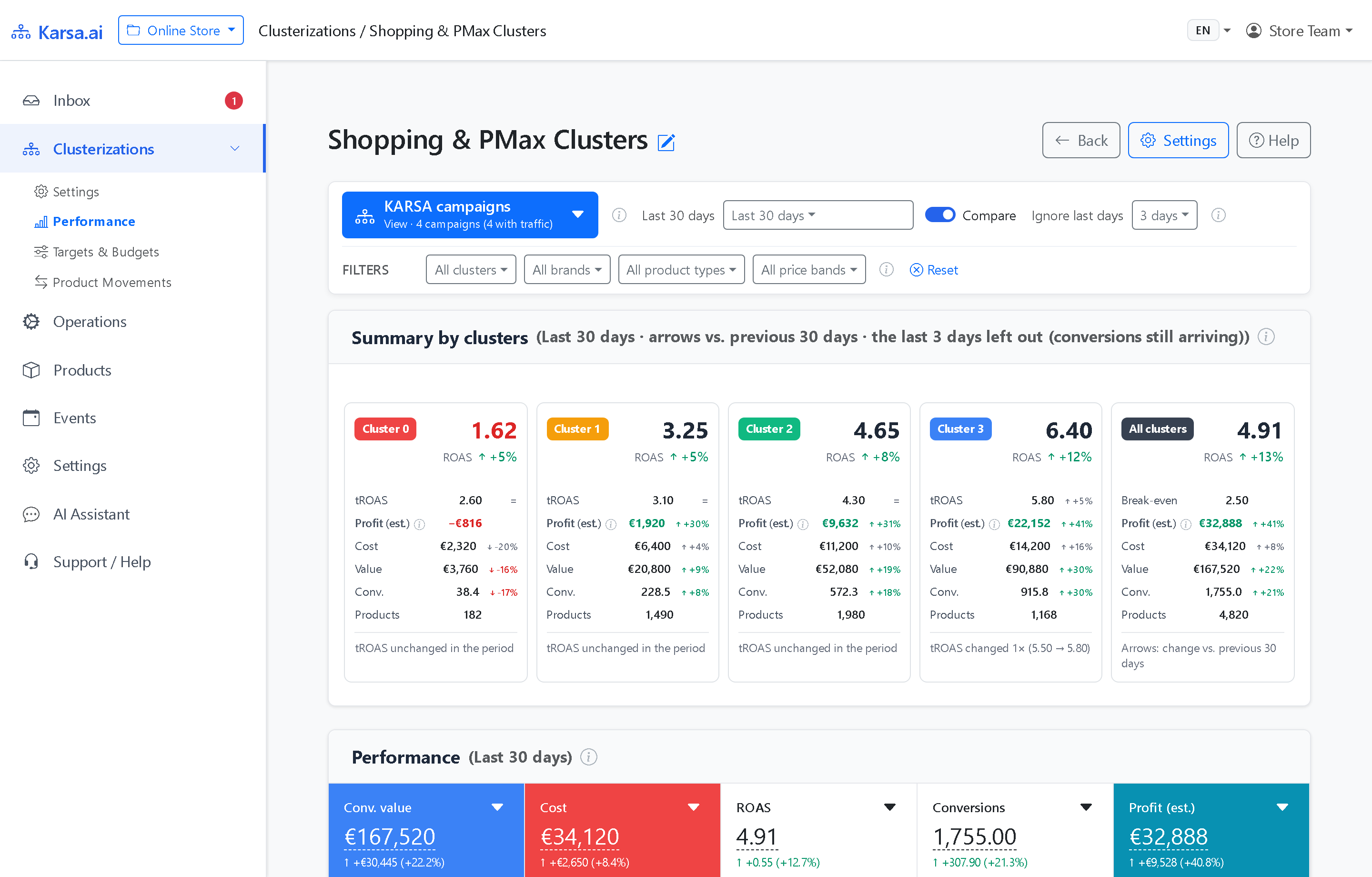
For example, a SKU with a 40% net product margin (0.40) has a break-even ROAS of 2.50 (250%), whereas a SKU with a 65% margin (0.65) breaks even at 1.54 (154%). Karsa.ai aggregates SKU-weighted margins across each active cluster every night so your Targets & Budgets screen always shows exact cluster break-even floors.
Frequently asked questions
What if our XML selling price includes 21% VAT while our wholesale cost is excluding VAT?
Karsa.ai Portal Settings include explicit VAT normalization so gross margin is always computed on a consistent ex-VAT selling price vs. ex-VAT cost of goods sold basis.
Does Karsa.ai ever write our wholesale cost or margin into the Merchant Center supplemental feed?
Never. Your Karsa.ai supplemental XML feed contains only the product offer ID (g:id) and cluster label (e.g. karsa_c3), never cost or margin figures.